
Managing Data#
This section describes how to manage data in the HTMDEC DMS including
Collections#
Data in the HTMDEC DMS is organized into per-seedling collections. Collections are access controlled, so team members must be granted access to manage data in each collection.
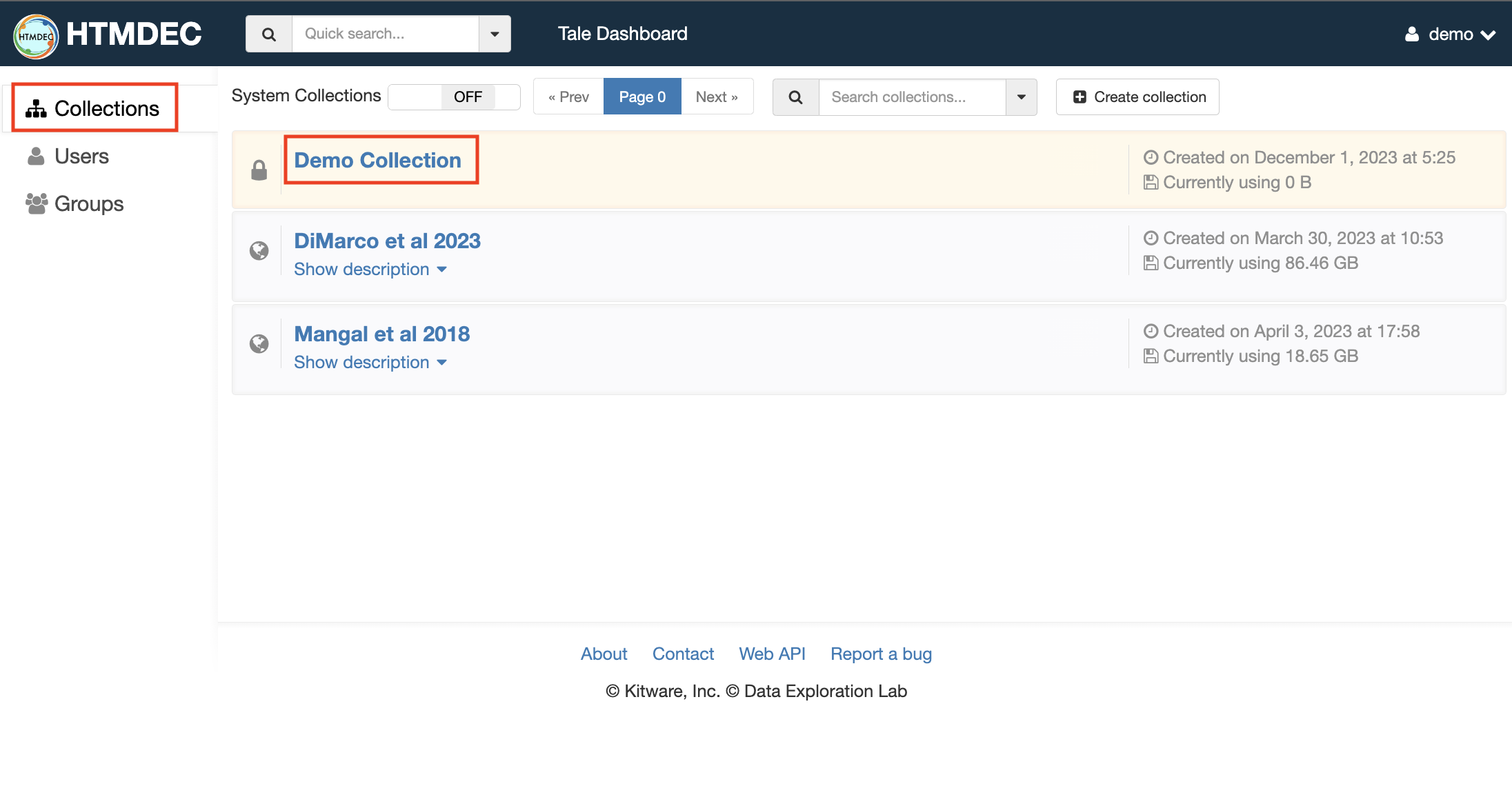
After signing in to your account, select the “Collections” link to view any collections that you have access to. Select the collection that you want to access.
Creating Folders#
To create a new folder, select the dropdown on the right and “Create folder here”:

Uploading folders and files#
To upload a file or folder, select the green upload icon:
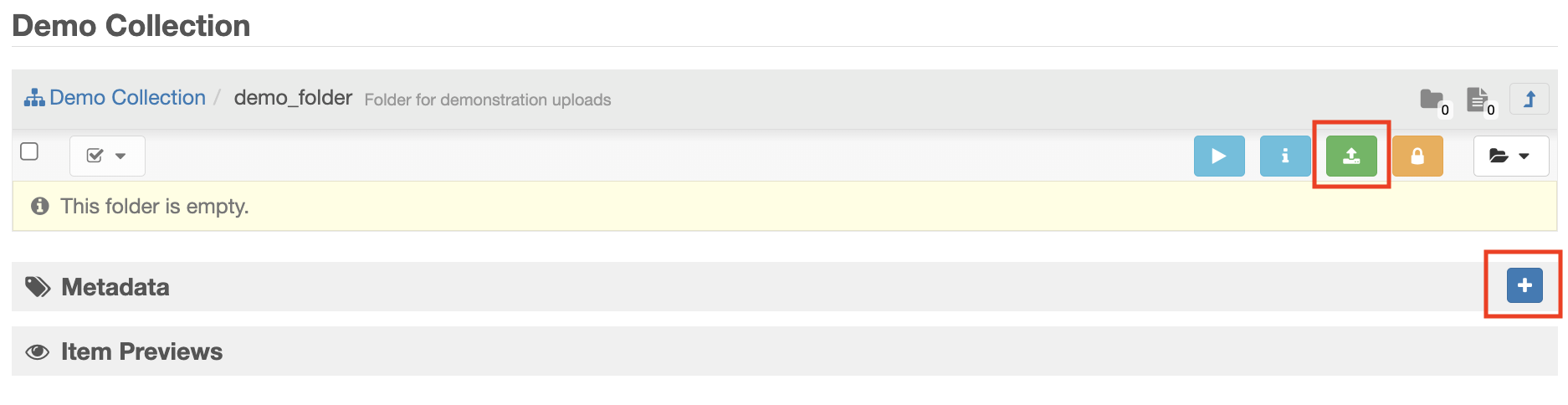
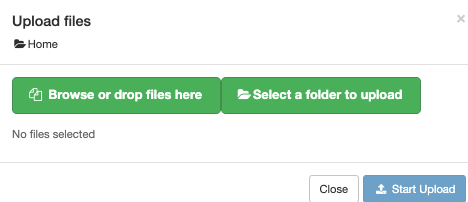
Using the “Upload files” window, browse or drag-and-drop the files you want to upload. Select “Start Upload” to initiate the upload process:
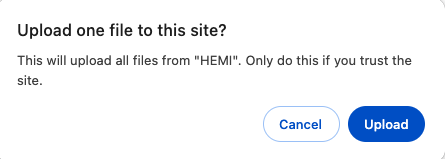
When uploading folders, you may be prompted to allow your browser to upload multiple files:
Upload files and folder using girder-client#
It is also possible to upload files and folders from the command line using the
Python-based girder-client application. This requires that you configure
an API Key in the HTMDEC DMS system.
Install girder-client:
pip install girder-client
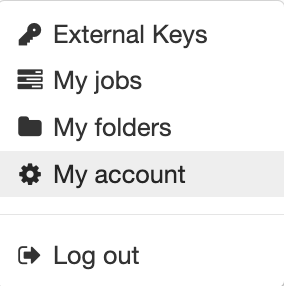
To configure an API key for use with the girder-client, select the “My
account” option from the user menu:
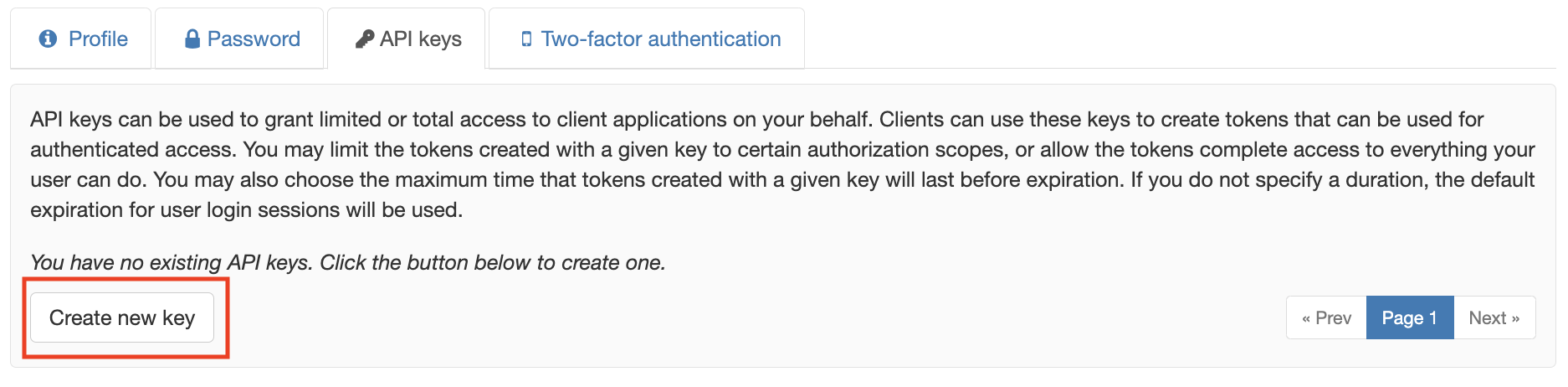
Select the “API keys” tab and then “Create new key”:
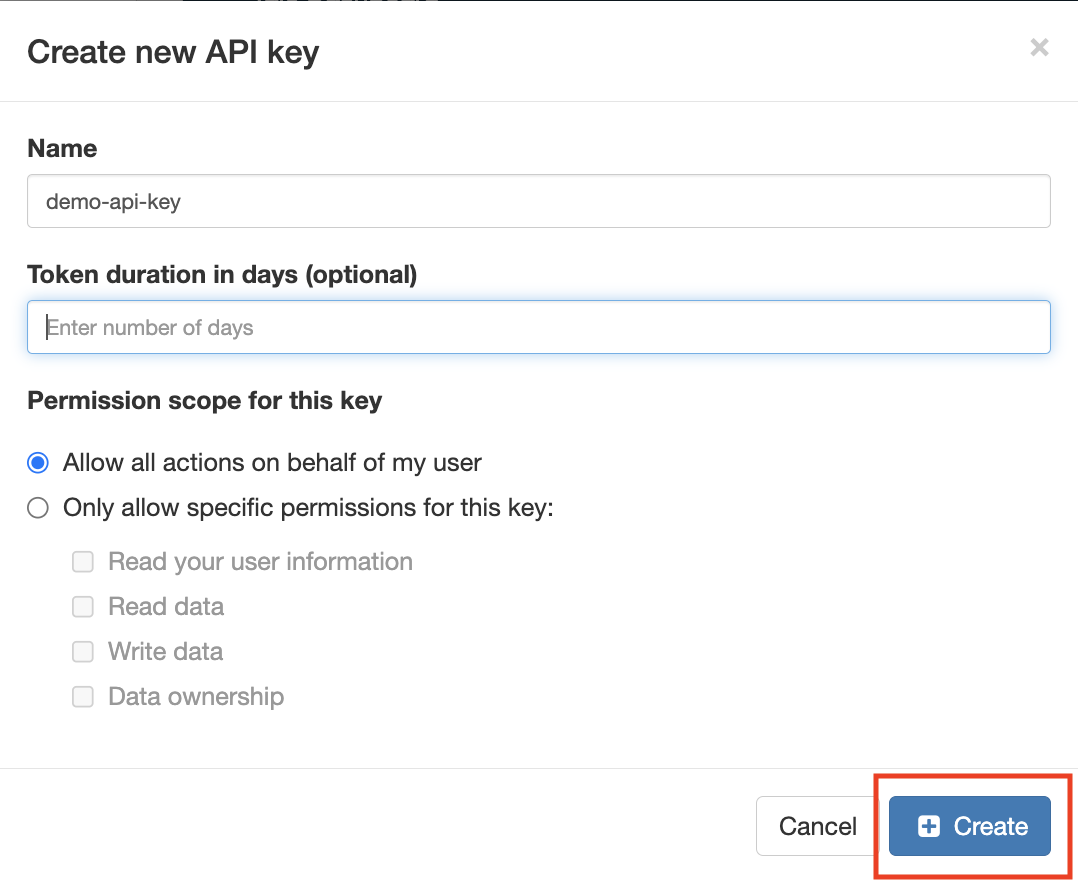
Name your API key and keep the default options then select “Create”:
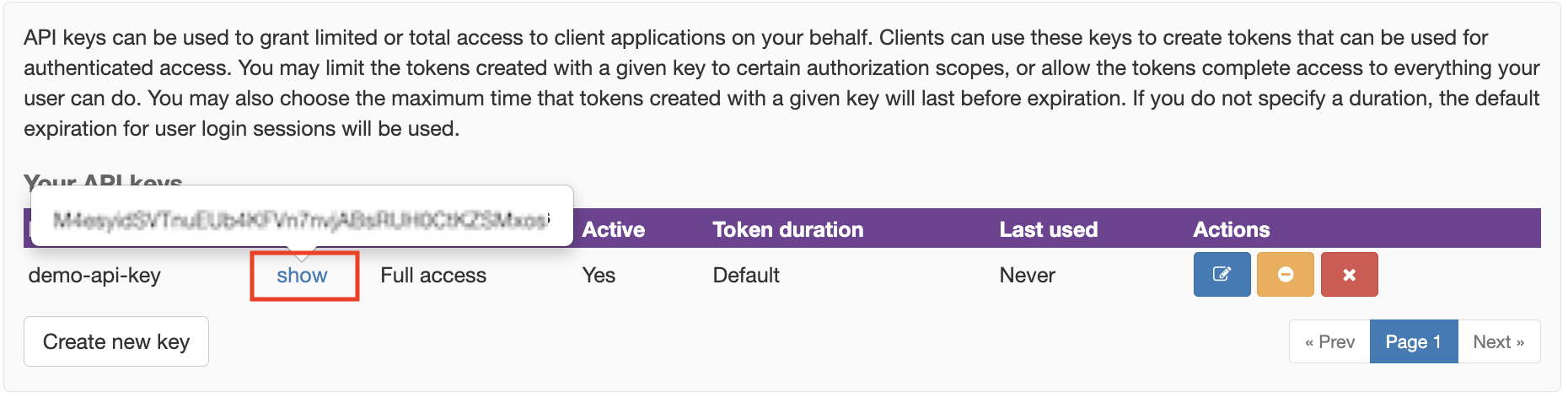
Click the “show” link to view and copy your key:
Now use the girder-client command line tool to upload:
girder-client --api-url https://data.htmdec.org/api/v1 --api-key API_KEY upload REMOTE_PATH_OR_ID LOCAL_PATH
For example, to upload the local folder “test” to the remote “demo_folder” in the “Demo Collection”:
girder-client --api-url https://data.htmdec.org/api/v1 --api-key API_KEY upload "/collection/Demo Collection/demo_folder" ./test
Creating Folder from test
[####################################]  9.00/9.00  100%  file.txt
Creating Folder from test/subfolder
[####################################]  5.00/5.00  100%  file.txt
Transferring data#
When data needs to be transferred automatically or continuously, the DMS supports several options:
Direct transfer using the manage-girder-client
Direct transfer using common protocols including SFTP, rsync, or Globus.
Automated transfer using OpenMSIStream